
Screenshots
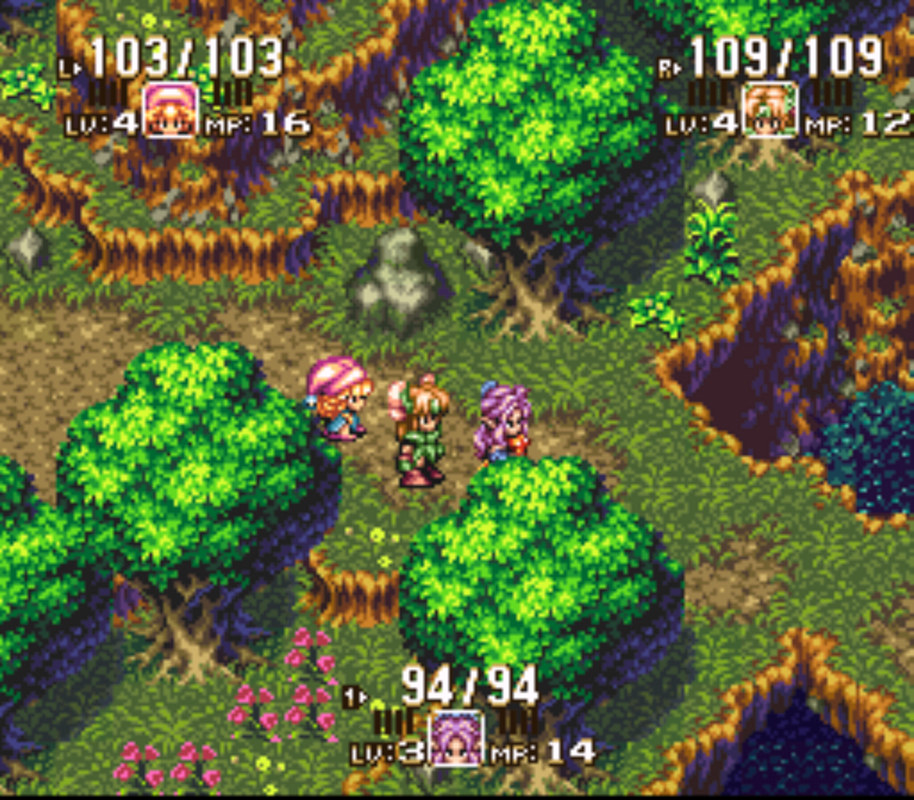
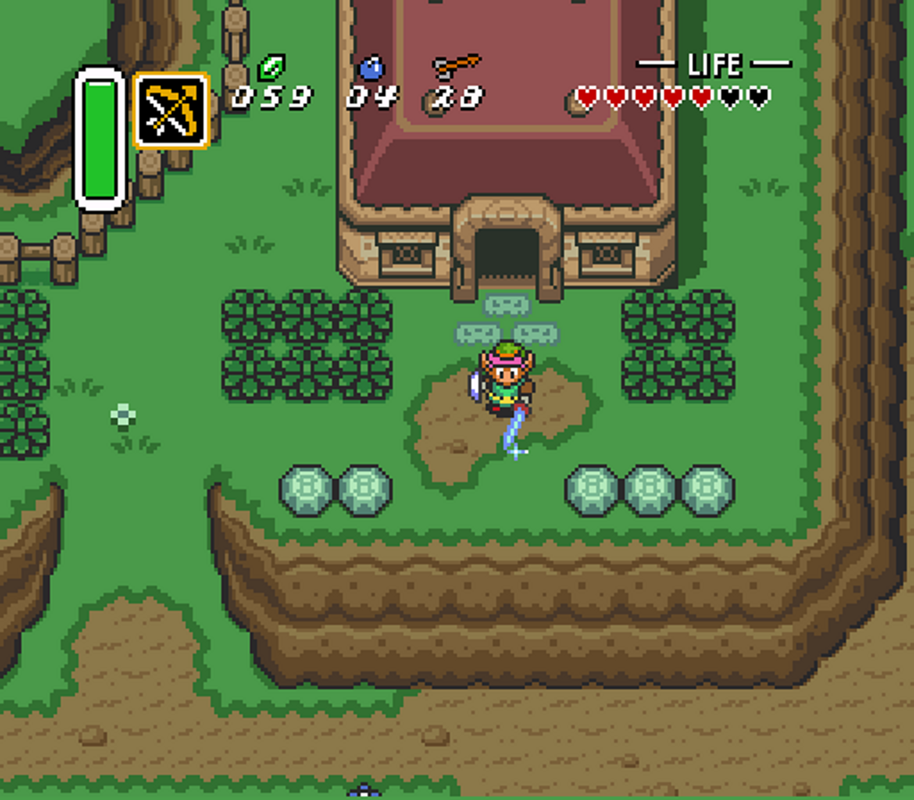
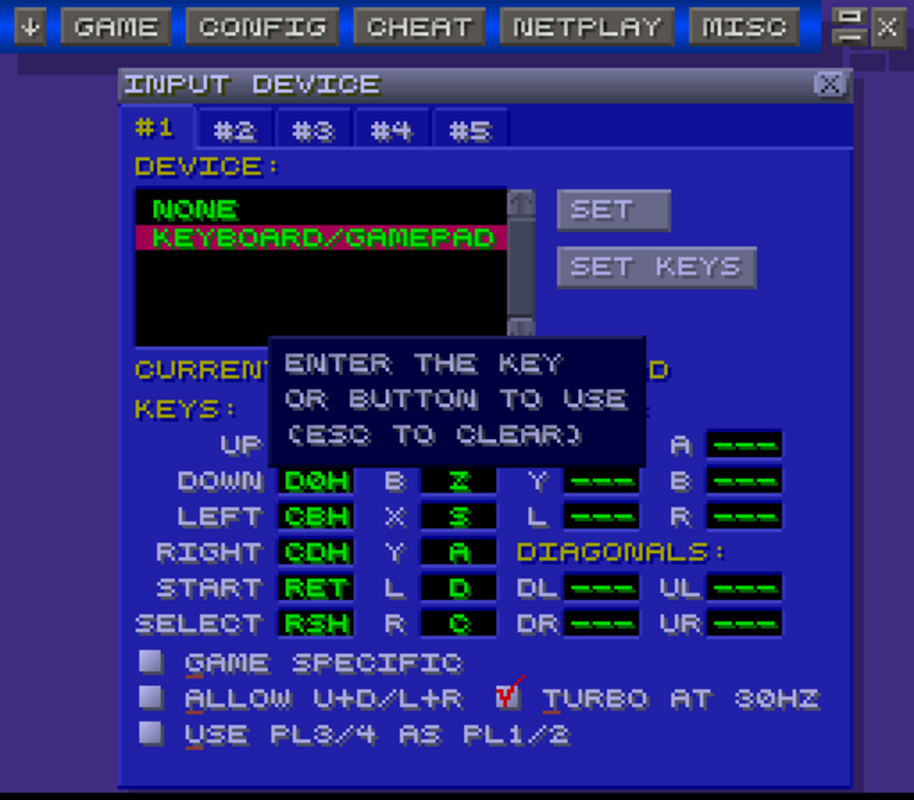
App details
- Updated
- Nov 7, 2023
- Language
- Afrikaans 48 moreLanguagesAfrikaansAmhar...
- Developer
- zsKnight y _Demo_
- Category
- Mobile
SoftPas in:
This product is also available in the following languages:
About ZSNES
Download ZSNES – SNES emulator, Super Famicom emulator, retro gaming
Overview
ZSNES is a retro gaming tool designed to emulate the Super Nintendo Entertainment System (SNES) and its Japanese counterpart, the Super Famicom. The application enables users to run classic 16-bit video games on modern x86-based computers, preserving the legacy of a pivotal era in video game history. Originally released in 2003, ZSNES serves as a bridge between past and present, allowing enthusiasts and nostalgic players to revisit beloved titles from the 1990s with minimal setup. It is particularly valuable for those interested in digital preservation, game development research, or simply reliving iconic gameplay experiences.
The app targets retro gaming aficionados, collectors, and developers exploring legacy systems. While the developer, ZSNES, did not provide additional background information, the app's longevity and continued use across multiple operating systems indicate a strong community-driven foundation. Real-world use cases include archiving old game ROMs, testing game compatibility, and experiencing classic titles on modern hardware. In the broader app ecosystem, ZSNES holds a niche but enduring role as one of the early pioneers in PC-based console emulation, contributing to the growth of retro gaming culture and digital preservation efforts.
Key Features & Functionality
- SNES/Super Famicom Emulation – Accurately replicates the hardware of the original 16-bit console, allowing users to play a wide range of classic games from the SNES library.
- Mode 7 Support – Emulates the advanced graphical effects used in games like Super Mario Kart and F-Zero, delivering authentic visual performance.
- Sound Emulation – Reproduces the console’s audio hardware, including the SPC700 chip, ensuring original music and sound effects are preserved.
- Super FX Chip Support – Enables compatibility with games that use the Super FX coprocessor, such as Star Fox, for full functionality.
- Multi-Platform Availability – Runs on Windows, MS-DOS, and Linux/FreeBSD, offering flexibility across different computing environments.
- Save States and Game Management – Allows users to save and load game progress at any point, enhancing convenience during long play sessions.
These features are particularly beneficial for users who want to preserve and access vintage games without relying on physical hardware. For example, a developer studying 16-bit game design can use ZSNES to analyze how games utilized the Super FX chip. A collector might use the emulator to organize and test their ROM library. The ability to run games across multiple platforms also supports cross-environment access, making it a versatile tool for retro enthusiasts.
Interface, UX & Performance
ZSNES features a straightforward interface designed for functionality rather than visual polish. The layout is minimal, with primary controls centered around game loading, configuration settings, and emulation options. Navigation is intuitive for experienced users familiar with emulation tools, though it may present a learning curve for beginners due to its technical nature. The user experience prioritizes control and customization over aesthetic appeal, aligning with the app’s target audience of dedicated retro gamers.
Performance varies depending on the host system and game complexity. Although the developer did not list formal performance metrics, the emulator is known for stable operation on compatible x86 systems. Responsiveness is generally reliable, with minimal lag when running less demanding titles. Stability is maintained across supported platforms, though some users may encounter compatibility issues with specific ROMs or advanced features. The app does not require high-end hardware, making it accessible on older or low-resource machines. Overall, ZSNES delivers consistent performance for its intended use, especially within its niche audience.
Platform Compatibility & Technical Requirements
ZSNES is compatible with Windows, MS-DOS, and Linux/FreeBSD operating systems. The software version is 1.51, with a file size of 1.1 MB, indicating a lightweight footprint. This compact size suggests efficient code and minimal resource usage, which is advantageous for older or low-spec systems. The developer did not specify minimum OS requirements or hardware specifications, so users should ensure their system supports the target platforms before installation.
Compatibility with x86 architecture is confirmed, meaning the app runs on standard desktop and laptop processors. While no mobile or tablet support is mentioned, the application is designed for desktop environments. Users should verify that their operating system version is compatible with the listed platforms. The absence of detailed technical requirements means installation may require some trial and error, particularly on modern systems with updated OS versions.
Pros and Cons
Pros
- Lightweight at only 1.1 MB, ideal for low-resource systems.
- Supports advanced features like Mode 7 and Super FX chip emulation.
- Runs on multiple platforms including Windows, MS-DOS, and Linux/FreeBSD.
- Free to download and use, with no licensing restrictions.
- Preserves authentic gameplay and audio from original SNES titles.
Cons
- Interface is basic and may be challenging for new users.
- No official support or update history beyond version 1.51.
- Developer did not provide detailed system requirements or compatibility notes.
- Limited documentation or user guides available.
- Not designed for mobile or touch-based devices.
FAQ
Is ZSNES safe to download and use?
ZSNES is a legitimate emulator developed for retro gaming. However, users should only download ROMs legally and ensure they own the original game to avoid copyright issues.
Can I use ZSNES on my smartphone?
No, ZSNES is not designed for mobile platforms. It runs on Windows, MS-DOS, and Linux/FreeBSD, but there is no official support for Android or iOS devices.
Does ZSNES require a license to use?
No, ZSNES is free to download and use without any licensing fees or restrictions.
What types of games can I play with ZSNES?
ZSNES supports all standard SNES and Super Famicom games, including titles that use the Super FX chip and Mode 7 graphics effects.
Are updates available for ZSNES?
The latest version available is 1.51, released in 2003. The developer has not released any updates since then, so the app is considered stable but not actively maintained.
Final Thoughts
ZSNES remains a significant tool in the retro gaming landscape, offering accurate emulation of the SNES and Super Famicom on multiple desktop platforms. Its lightweight design, support for advanced features, and free availability make it a valuable resource for enthusiasts and collectors. While the interface is dated and the app lacks modern updates, its core functionality remains reliable and effective for its intended purpose.
Those who value authenticity, digital preservation, and access to classic 16-bit games will find ZSNES to be a dependable choice. It’s particularly well-suited for users with older hardware or those exploring the technical aspects of retro game development. Despite its age, ZSNES continues to serve a dedicated niche audience with a strong legacy.
Download ZSNES now
Guides & Tutorials
How to install ZSNES
- Click the Download button above.
- Once redirected, accept the terms and click Install.
- Wait for the ZSNES download to finish on your device.
How to use ZSNES
This software is primarily used for its core features described above. Open the app after installation to explore its capabilities.
User Reviews
No reviews yet. Be the first to share your experience.
You may also like
more
Que no te pillen¡
About !Que no te pillen¡Reviewed by Jason A. BilbreyShow MoreShow Less

3D Combat Zone
About 3D Combat ZoneOriginally released in 1983, 3D Combat Zone immerses players...

666: El día del portal
About 666: El día del portalOn June 6, 2006, Agent P. Stone uncovers a sinister...

80 in 1 Best Flash games
About 80 in 1 Best Flash games 80 in 1 Best Flash games is a collection of 80 fl...

ABYSS SEEKERーーWhat Do You See Deep in The Abyss
About ABYSS SEEKERーーWhat Do You See Deep in The AbyssIn ABYSS SEEKER, players...

ACA NEOGEO THE KING OF FIGHTERS 2002 for Windows
About ACA NEOGEO THE KING OF FIGHTERS 2002 for WindowsTHE KING OF FIGHTERS 2002,...